If the blog goes down, I want to find out from the lack of an alert
One push notification every day at 20:00 confirms that everything is still alive. One day of silence is the part that's actually scary.

The first thing I learned from running self-hosted services is that your monitor goes down with you. If your Uptime Kuma lives on the same VPS as your blog and the VPS powers off, nobody tells you. The alert never goes out. When you come back the next day and open the app, the last green line is from yesterday, and you don't notice until nine hours have already gone by.
So I flipped the rule around. Instead of asking the system to tell me when something breaks, I asked it to tell me when something is still alive. If the signal arrives, all good. If the silence lasts a day, there's something to check.
The contract with my self-hosted ntfy
I have an ntfy running in the infrastructure project inside Dokploy. Every service I deploy publishes to a different topic. The blog publishes to blog-alerts. The events I get include reactive ones, like a migration failure on startup, an authentication rate limit being hit, or a backup downloaded from the admin. They all have their place, and they all have their priority.
But the one that tells me the most about the overall health of the system isn't any of those. It's the heartbeat. One message a day, always at the same time, that literally says the process is still standing.
How not to do it
The first version I wrote was a setInterval running every 24 hours, started on the server's first request. It worked for two days. Then the process manager recycled the worker, the timer went with it, and I didn't notice until I deployed again.
I also tried a cron inside the container. It works, but it adds a new dependency like cron or supercronic, duplicates PID 1, and doesn't start until some script launches it. For a small Next.js in standalone mode, it wasn't worth it.
The approach I ended up using lives inside the app itself, in src/lib/heartbeat.ts, and starts from src/instrumentation.ts. That way it's always tied to the lifecycle of the Next server. If Next doesn't start, there's no heartbeat. That's exactly the signal I want to get, or rather, the signal I want to miss.
The timezone bug
The first serious implementation calculated the next trigger with new Date() and trusted the container's timezone. Alpine ships with UTC by default. I wanted the heartbeat to reach me at 20:00 Madrid time, not at 20:00 UTC. In summer the difference is two hours, in winter one. And the DST switch happens at midnight on a Saturday, so if your logic just adds raw seconds and your container doesn't have tzdata, you end up adjusting it by hand twice a year.
The fix was to stop touching the container's TZ and calculate the next trigger with Intl.DateTimeFormat. I pass in the Europe/Madrid timezone and the target hour, and it gives me a local timestamp converted correctly even if the host is running in UTC. DST stops being a problem because the calculation is done by the engine with IANA rules, not by my code.
function msUntilNext(hour: number, tz: string): number {
  const now = Date.now();
  const fmt = new Intl.DateTimeFormat('en-GB', {
    timeZone: tz,
    hour: 'numeric', minute: 'numeric', second: 'numeric',
    year: 'numeric', month: '2-digit', day: '2-digit',
    hour12: false,
  });
  // reconstruye la hora local en tz, ajusta si ya pasó
  // y devuelve ms restantes hasta el próximo disparo
  // ...
}
The full implementation lives in the file alongside tests that simulate multiple timezones to make sure the calculation doesn't drift. If your case is similar, the important detail is not trusting the process timezone and always asking the formatter for it.
The message content
The heartbeat doesn't just say hi, I'm alive. It says something that lets me spot at a glance if anything looks off. Formatted uptime, memory if I feel like it, app version if I've just updated. In practice, uptime and a short header are enough. Priority 2, so it doesn't pull me out of do not disturb.
await notify({
  title: 'Blog vivo',
  message: `Uptime ${formatUptime(process.uptime())}`,
  priority: 2,
  tags: ['heart'],
});
If it's missing one day, you don't hear anything. The app doesn't make a sound, it doesn't vibrate. That's the signal. The absence.
How I notice it's missing
At first I thought detecting an absence would be complicated and that I'd need to set up another service. I was wrong. The ntfy mobile app shows one line per message and sorts them by date. If I open it at 21:00 and the last line is from yesterday, I see it in a second. No need to set up anything else.
For the case where I don't look at my phone, there's a second layer. The topic is received by the other self-hosted projects on the same server. If the blog doesn't publish the heartbeat for two days in a row, a script in another service detects it and sends me a warning on Telegram. Cheap redundancy.
Why ntfy and not Slack or Telegram directly
Slack and Telegram work, and I could use them. The reason I picked ntfy is that it lives on my internal Docker network and doesn't depend on an external token that might expire or get exfiltrated if the image leaks. The container talks to http://ntfy-backend:80, the URL isn't public, and if somebody gets hold of my topic they can only send me noise, not read my messages.
Also, ntfy is small. One Go binary, zero dependencies, zero configuration, fits on any VPS. It's the kind of piece you want to survive everything else.
What's worth extending
Once you have the pattern, the next temptation is to replicate it across all your services. One heartbeat per service, each on its own topic. The CV publishes its own, ScamDetector its own, MyBox its own. If one of them misses its heartbeat for three days in a row and the others still arrive, you already know where to look without logging into the VPS.
What I don't recommend is publishing the heartbeat every hour. You lose the signal in the noise. Once a day, always at the same time, ideally at a moment when you're already looking at your phone for other reasons. Make the gap visible.
What it cost
Between what I already had and the timezone fix, about two hours of work. CPU and RAM usage are impossible to notice, the timer sleeps almost all day. Monetary cost, zero, ntfy runs on the VPS I already had. The only thing I would've saved myself is writing the first version before thinking about the time change.
The result is that if the blog dies in the middle of the night, then at 20:00 the next day nothing shows up on my phone. It's the worst notification in the world, the one that never arrives. And that's why it works.

Jose, author of the blog
QA Engineer. I write out loud about automation, AI and software architecture. If something here helped you, write to me and tell me about it.
Leave the first comment
What did you think? What would you add? Every comment sharpens the next post.
If you liked this
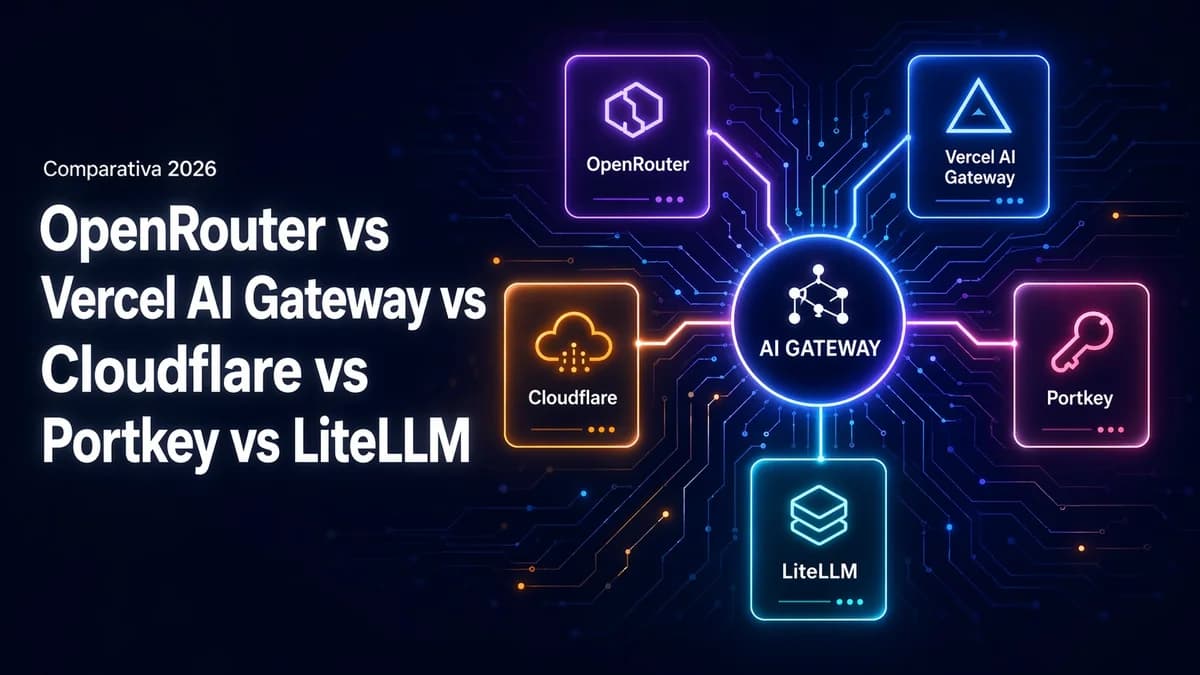
OpenRouter vs Vercel AI Gateway vs Cloudflare vs Portkey vs LiteLLM, comparativa 2026
Comparativa transversal de AI Gateways en 2026 por ejes que pesan de verdad, catálogo, coste, latencia, observabilidad, failover, privacidad, operativa y lock-in. Cuándo elegir cada uno y por qué no son excluyentes.
Tu Dockerfile descarga binarios de atacantes (y cómo evitarlo)
Tres medidas concretas para proteger tu Dockerfile contra ataques de supply chain: verificación de checksums con SHA256, control de scripts npm con ignore-scripts y eliminación del package manager en la imagen de producción.

Infisical en Dokploy: cómo gestionar secretos sin meterlos en variables de entorno
Las variables de entorno en texto plano son cómodas hasta que dejan de ser seguras. Explicamos cómo desplegamos Infisical como gestor de secretos self-hosted dentro de Dokploy y cómo conectamos nuestras aplicaciones para que lean las credenciales de forma cifrada y auditable.