How to build an AI agent from scratch in TypeScript
While loop, tools, stopping conditions, and budget. How to write a minimal agent in TypeScript with tool calling and no framework, so you understand what's underneath before you pick abstractions.

Before I touch LangGraph, Claude Agent SDK, or any other framework, I want to build an agent without a framework. Not because I'm going to use this in production, but because understanding this gives me the judgment to pick a framework later. Every abstraction has a cost, and to know what it saves you, you need to know what it hides.
The exercise I'm describing is about as small as I can make it and still call it an agent, not a wrapper. I'm writing it in TypeScript with Anthropic's official SDK, but the mechanics carry over to any model with tool calling.
The minimum loop
An agent is, essentially, a while loop with three exits. It keeps iterating while the model decides it needs more tools to answer. It stops when the model gives a final answer, when the turn budget runs out, or when a tool throws an error the loop treats as fatal.
import Anthropic from "@anthropic-ai/sdk";

const client = new Anthropic();
const MAX_TURNS = 8;

async function runAgent(userPrompt: string) {
  const messages: Anthropic.MessageParam[] = [
    { role: "user", content: userPrompt },
  ];

  for (let turn = 0; turn < MAX_TURNS; turn++) {
    const response = await client.messages.create({
      model: "claude-sonnet-4-6",
      max_tokens: 2048,
      tools,
      messages,
    });

    messages.push({ role: "assistant", content: response.content });

    if (response.stop_reason === "end_turn") {
      return extractText(response);
    }

    if (response.stop_reason === "tool_use") {
      const toolResults = await runTools(response.content);
      messages.push({ role: "user", content: toolResults });
      continue;
    }

    throw new Error(`Unexpected stop_reason: ${response.stop_reason}`);
  }

  throw new Error("Agent exceeded MAX_TURNS without converging");
}
That's the whole thing. Ten minutes of code and you've already got the skeleton. The interesting part isn't the while loop, it's how you define tools and how you handle execution.
Tools, what the model can touch
A tool is a function with a JSON schema the model understands. The model doesn't execute the function, it only decides when to call it and with what arguments. Your code executes it and returns the result.
const tools: Anthropic.Tool[] = [
  {
    name: "buscar_post_blog",
    description: "Busca un post del blog por término en el título o contenido. Devuelve los 5 más relevantes con slug, título y excerpt.",
    input_schema: {
      type: "object",
      properties: {
        query: { type: "string", description: "Término de búsqueda en español" },
      },
      required: ["query"],
    },
  },
  {
    name: "leer_post",
    description: "Devuelve el contenido completo de un post dado su slug.",
    input_schema: {
      type: "object",
      properties: { slug: { type: "string" } },
      required: ["slug"],
    },
  },
];
The tool description is critical. It's what the model reads to decide whether to call it, when to call it, and with what arguments. A vague description gives you a confused agent. A precise description, with an example of when it makes sense to use it, changes the behavior dramatically.
Execution lives in your code and needs to be solid. Catch exceptions and return the error as tool response content, don't propagate an exception to the loop. The model is surprisingly good at reacting to a message like "this tool failed because the slug doesn't exist, try searching for it first".
async function runTools(content: Anthropic.ContentBlock[]) {
  const results: Anthropic.ToolResultBlockParam[] = [];

  for (const block of content) {
    if (block.type !== "tool_use") continue;

    try {
      const output = await dispatchTool(block.name, block.input);
      results.push({
        type: "tool_result",
        tool_use_id: block.id,
        content: JSON.stringify(output),
      });
    } catch (err) {
      results.push({
        type: "tool_result",
        tool_use_id: block.id,
        is_error: true,
        content: err instanceof Error ? err.message : "tool failure",
      });
    }
  }

  return results;
}
Memory, what builds up between turns?
In the loop above, memory is just the messages array. Each turn adds the model's message and, if there were tools, the results. The model gets the full conversation on every call and rebuilds the context from that.
This works until it doesn't. As the agent keeps working, messages grow, and with them the cost per turn and the latency. Below are three patterns that show up quickly once the agent starts doing real work.
The first is trimming context. After a certain number of turns, it makes sense to summarize the early tool calls into a synthetic message and drop the raw data. The model handles the loss of detail pretty well if the summary is done well.
The second is separating volatile memory from persistent memory. The conversation lasts for one session. Facts extracted during that session, if they're useful later, go into a separate layer the model queries as a tool, not as raw context.
The third is prompt caching. The fixed part of the system prompt and the tool schemas gets cached between turns to make later calls in the same session cheaper. Anthropic charges less for cached content, and the first call that creates the cache is a bit more expensive, but the savings from turn two onward more than make up for it.
Guardrails, what the model doesn't get to decide
This is the part that separates a toy agent from one that can hold up in production. There are decisions you do not delegate to the model under any circumstances.
The maximum number of turns. If the agent hasn't converged after, say, eight iterations, you abort. You don't let it keep going until it happens to decide to stop.
The token budget per session. If the total input + output goes past the limit, you abort with a clear message to the user. Without this, one pathological case can burn 5 USD on a single request.
The tool allowlist. The model only sees the tools you pass in. If your agent has a tool to "run command" or "delete file", you only enable it when you mean to, and never for external users without explicit authorization.
Output validation. Before you return what the model says to the user, validate that the response meets a minimum bar. JSON schema, length, absence of PII, whatever applies.
// Antes de iniciar el bucle, presupuesto duro:
const budget = { tokensUsed: 0, max: 50_000 };

// Tras cada response:
budget.tokensUsed += response.usage.input_tokens + response.usage.output_tokens;
if (budget.tokensUsed > budget.max) {
  throw new BudgetExceededError(budget);
}
Testing it locally
A real session with this code, asking it "find the posts where I've talked about pricing and summarize them for me", runs like this.
Turn 1, the model decides to call buscar_post_blog with query: "pricing". Turn 2, it gets the five slugs, decides to read two of them, and calls leer_post twice in parallel. Turn 3, the model has the contents and returns a final summary with stop_reason: "end_turn". Three turns, two different tools, around 0.03 USD with Claude Sonnet 4.6 and prompt caching enabled. A wrapper can't do this unless you write the whole orchestrator by hand.
What this teaches you before you pick a framework
Once you've built this loop by hand, you look at a framework differently. The questions become concrete.
How does it let me define tools? Strong typing, zod validation, or does it force me into a raw schema?
What does it do with memory by default? Does it keep everything, trim it, summarize it? Can I change that?
How does it emit traces for my observability? Is there native integration with Langfuse, OpenTelemetry, or do I have to instrument it by hand?
How much control does it give me over the loop? Can I interleave logic between turns, stop under conditions I decide, chain different agents together?
How much code do I need to write to add a guardrail that isn't budget and MAX_TURNS?
The next post compares LangGraph, Claude Agent SDK, and the handcrafted option with equivalent code for all three, and I'll put together an honest tradeoff table. Mild spoiler, none of them wins at everything, and the choice depends on how much control you want to keep and how much ecosystem you want to inherit.
Another entry in the From wrapper to agent series. You're coming from AI wrapper vs AI agent. To go back to the beginning, AI wrapper vs AI agent.

Jose, author of the blog
QA Engineer. I write out loud about automation, AI and software architecture. If something here helped you, write to me and tell me about it.
Leave the first comment
What did you think? What would you add? Every comment sharpens the next post.
If you liked this
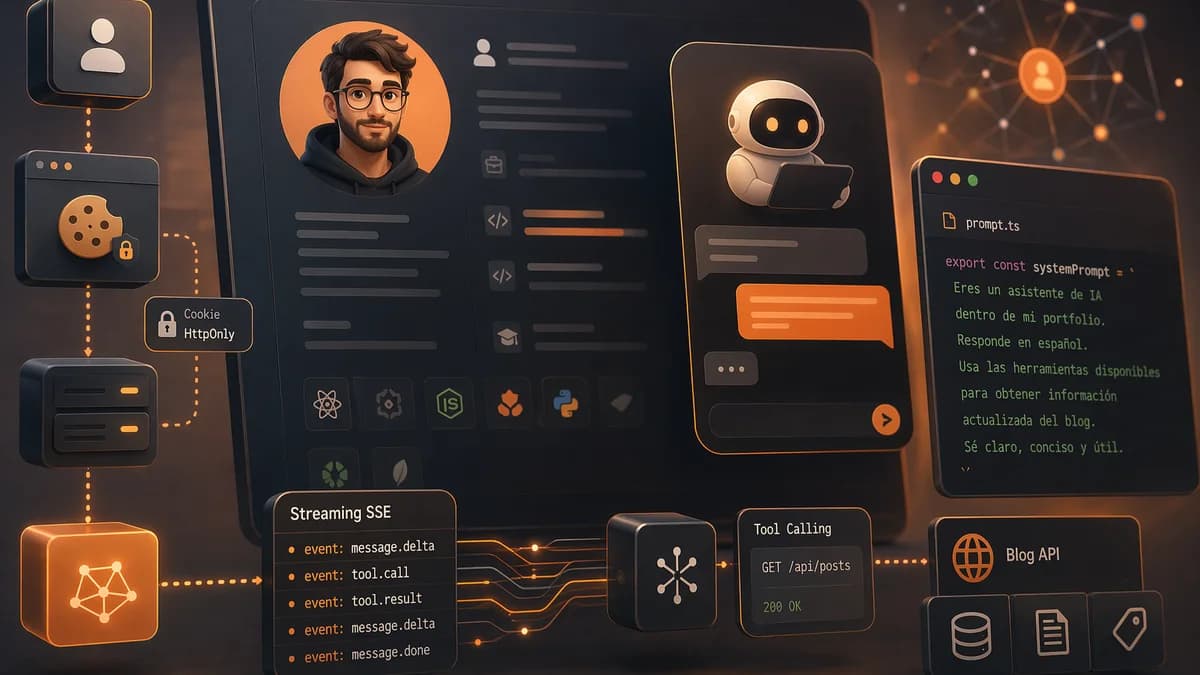
Un asistente de IA dentro de mi CV, arquitectura del chat
Cómo está montado por dentro el chat con agente de IA embebido en mi portfolio. Streaming SSE con eventos tipados, tool calling contra la API pública del blog, prompt como código y sesiones con cookie HttpOnly.

Cómo añadí narración por voz a los posts del blog con IA
Cada post del blog puede leerse en voz alta con un reproductor integrado. El audio se genera con IA la primera vez que alguien lo pide y se cachea para todos los demás.
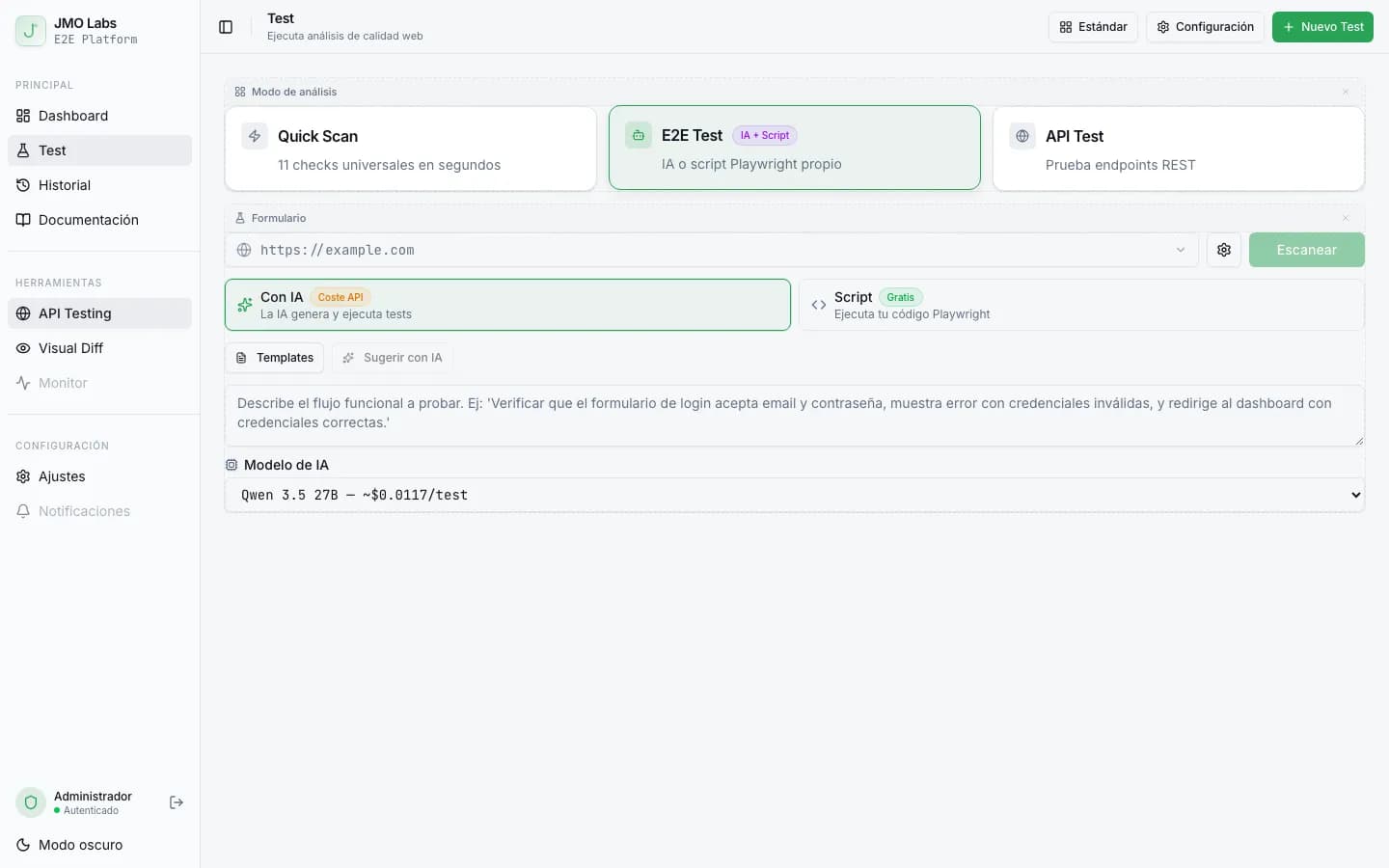
Tests E2E que se reparan solos: cómo construimos un pipeline de self-healing con IA
Los tests E2E se rompen con cada cambio de interfaz. En JMO Labs construimos un pipeline de 5 fases con IA que planifica, ejecuta, repara selectores, diagnostica fallos y verifica resultados de forma autónoma. La caché de selectores hace que cada ejecución sea más rápida que la anterior.