How we handle database migrations with Drizzle ORM
The full migration workflow in real projects with Drizzle ORM, from the schema in TypeScript to production. With a comparison against Prisma and a few lessons learned.
Every time you add a feature to an application, sooner or later you need to change the database. A new column, an index, a whole table. And if the application is already in production with real data, that change can't be a DROP TABLE and start over. You need a migration.
In our projects we use Drizzle ORM to manage the database schema and migrations. This article explains how that workflow works in practice, from the moment you decide to add a field to the point where the change is applied in production without anyone losing data. I go into this in more detail in testing database migrations without breaking production.
What a migration is, and why changing the schema isn't enough
A migration is an SQL file (or an equivalent instruction) that describes an incremental change to the database structure. Add a column, rename a table, create an index. Each migration has a unique identifier and runs only once, in order.
The alternative would be to modify the schema directly and let the tool sync it with the database (what Drizzle calls push). That works in development, but it's risky in production. If the tool decides the cleanest way to apply your change is to delete a column and recreate it, the data is gone. Explicit migrations give you full control over what SQL runs and in what order.
How the workflow works with Drizzle
Drizzle ORM has an approach that sets it apart from most ORMs. The schema is defined in TypeScript, but migrations are plain SQL files. There are no migration files in TypeScript, no abstraction layer over SQL. What you see in the migrations folder is exactly what will run against the database.
The full workflow has three steps.
1. You modify the schema in TypeScript
Everything starts in a schema file where you define tables, columns, types, relationships, and indexes. For example, if you want to add a noindex field to the posts table to control which articles show up in search engines, you add it directly to the table object.
// drizzle/schema.ts
export const posts = sqliteTable("posts", {
  id: text("id").primaryKey(),
  title: text("title").notNull(),
  slug: text("slug").notNull().unique(),
  content: text("content"),
  // ... campos existentes ...
  noindex: integer("noindex", { mode: "boolean" })
    .notNull()
    .default(false),
});
The schema in TypeScript is the source of truth. It's what the ORM uses to infer types, autocomplete queries, and validate at compile time that you're not accessing a column that doesn't exist.
2. You generate the migration
Drizzle Kit compares the schema in TypeScript with the state of previous migrations and generates an SQL file with the difference.
npx drizzle-kit generateThe result is a clean SQL file in the migrations folder.
-- drizzle/migrations/0004_fuzzy_omega_flight.sql
ALTER TABLE `posts` ADD `noindex` integer DEFAULT false NOT NULL;
There's no magic here. It's a standard ALTER TABLE that you can read, review, and modify before applying it. If Drizzle generates something you don't like, you can edit it by hand. The SQL file is yours.
3. You apply the migration
In development you can run migrations manually. In production, the workflow depends on how you deploy. In our case, migrations run automatically every time the container starts, right before the server starts.
#!/bin/sh
# entrypoint.sh
echo "Running database migrations..."
node drizzle/migrate.cjs
echo "Starting server..."
exec "$@"
The migration script uses Drizzle's migrator, which reads the migrations folder, compares it with an internal tracking table (__drizzle_migrations), and runs only the ones that are missing. If they're all already applied, it does nothing. If there's a new one, it runs it and records it.
This means deploying a feature that requires a database change is as simple as pushing to the repository. The deployment pipeline builds the image, starts the container, the entrypoint runs any pending migrations, and the server starts with the updated schema.
SQLite and PostgreSQL, same workflow
We use Drizzle with both SQLite (for lightweight projects like this blog or a health monitor) and PostgreSQL (for applications with more concurrency and features). The migration workflow is identical in both cases. The driver and the SQL dialect change, but the cycle of modifying the schema, generating a migration, and applying it in the entrypoint is the same. I go into this in more detail in the blog's technical stack.
The main difference is in what the engine lets you do in an ALTER TABLE. PostgreSQL supports pretty much any schema change (adding columns with defaults, renaming, changing types). SQLite is more limited. You can't rename columns in older versions, you can't change the type of an existing column, and foreign key constraints have their own rules. Drizzle Kit knows about these limitations and generates SQL that's compatible with the engine you're using.
Drizzle vs Prisma
If you've worked with ORMs in Node.js, you probably know Prisma. It's the most popular option and has a huge ecosystem. Drizzle is newer and makes different design choices. These are the ones that matter most to us in practice.
SQL as a first-class citizen
Prisma generates SQL migrations, but its query API is its own abstraction and doesn't look much like the SQL it runs underneath. If you need a complex query, you end up using $queryRaw and lose the typing.
Drizzle goes the other way. Its query API is almost a direct translation from SQL to TypeScript. If you know SQL, you know Drizzle. And when you need raw SQL, you write it directly without losing types.
// Drizzle: la consulta se parece al SQL que genera
const result = await db
  .select({ title: posts.title, count: sql`count(*)` })
  .from(posts)
  .where(eq(posts.status, "published"))
  .groupBy(posts.title);

// Prisma: abstracción propia
const result = await prisma.post.groupBy({
  by: ["title"],
  where: { status: "published" },
  _count: true,
});
No generated client
Prisma requires running prisma generate every time you change the schema so it can regenerate the client. That's an extra step in the pipeline, and sometimes it causes cache errors or the schema and generated client get out of sync. Drizzle doesn't have this step. The schema in TypeScript is the client. Types are inferred directly from the code, with no intermediate generation step.
Editable migrations
Both generate SQL, but Drizzle does it more transparently. The migrations folder contains plain SQL files that you can read, edit, and version without any extra tooling. Prisma also generates SQL, but its workflow is more geared toward using prisma migrate as the central command and touching the files as little as possible.
Runtime performance
Drizzle has no runtime abstraction layer. Queries are built and sent straight to the database driver. Prisma puts its engine (written in Rust) between your code and the database, which adds latency and memory usage. In applications with lots of concurrent queries, the difference shows.
When to choose each one
If your team is used to thinking in SQL and wants full control over queries and migrations, Drizzle is a better fit. If you prefer a higher-level abstraction, a more mature ecosystem, and you don't mind the extra layer in the middle, Prisma is still a solid option with a huge community behind it.
In our case, we chose Drizzle because we work a lot with AI agents that generate code. Since its API looks like standard SQL, the agents produce correct queries more easily than when they have to learn another ORM's abstraction.
Things we've learned along the way
After handling migrations in several production projects, there are a handful of things we wish we'd known from the start.
Never use push in production. drizzle-kit push is convenient for quick development because it syncs the schema without generating migration files. But in production you need an auditable record of what changes were applied and in what order. Explicit migrations give you that.
Always review the generated SQL. Drizzle Kit does a good job inferring the right ALTER TABLE, but it's not infallible. Before you push, open the migration file and read the SQL. It's a few lines and it saves you surprises.
New fields should have defaults. If you add a NOT NULL column to a table that already has data, you need a default value. Without it, the migration fails because existing rows wouldn't have a value for that column. Drizzle lets you define the default in the schema and carries it through to the generated SQL.
Migrations belong in the repository. Migration SQL files are versioned alongside the code. Every pull request that changes the schema includes its matching migration. That way, the reviewer can see exactly what SQL will run in production.
Do a backfill when it makes sense. If you add a field that's null by default but you want to fill it with data derived from what's already there, do it with a separate script after the migration. Don't put business logic inside SQL migration files.
SQLite and VACUUM need care. If you compact the SQLite database with VACUUM while the application is running, the connection can end up in an inconsistent state. If you need to run VACUUM, restart the service right after.
The result
With this workflow, adding a feature that requires a database change always follows the same pattern. You modify the schema in TypeScript, generate the migration, review the SQL, commit, and deploy. The container entrypoint handles the rest. There are no manual steps in production, no maintenance windows, no scripts to run over SSH.
It's a simple, predictable workflow that scales well from a blog with SQLite to an application with PostgreSQL and dozens of tables. And most importantly, every change is recorded in an SQL file that any developer can read and understand without needing to know the tool.

Jose, author of the blog
QA Engineer. I write out loud about automation, AI and software architecture. If something here helped you, write to me and tell me about it.
Leave the first comment
What did you think? What would you add? Every comment sharpens the next post.
If you liked this
Next.js, SQLite y Docker, el stack técnico detrás de este blog
Cada decisión técnica tiene un porqué. Elegimos Next.js sobre Astro, SQLite sobre PostgreSQL y Docker con Dokploy sobre Vercel. Aquí explicamos las razones y lo que aprendimos por el camino.
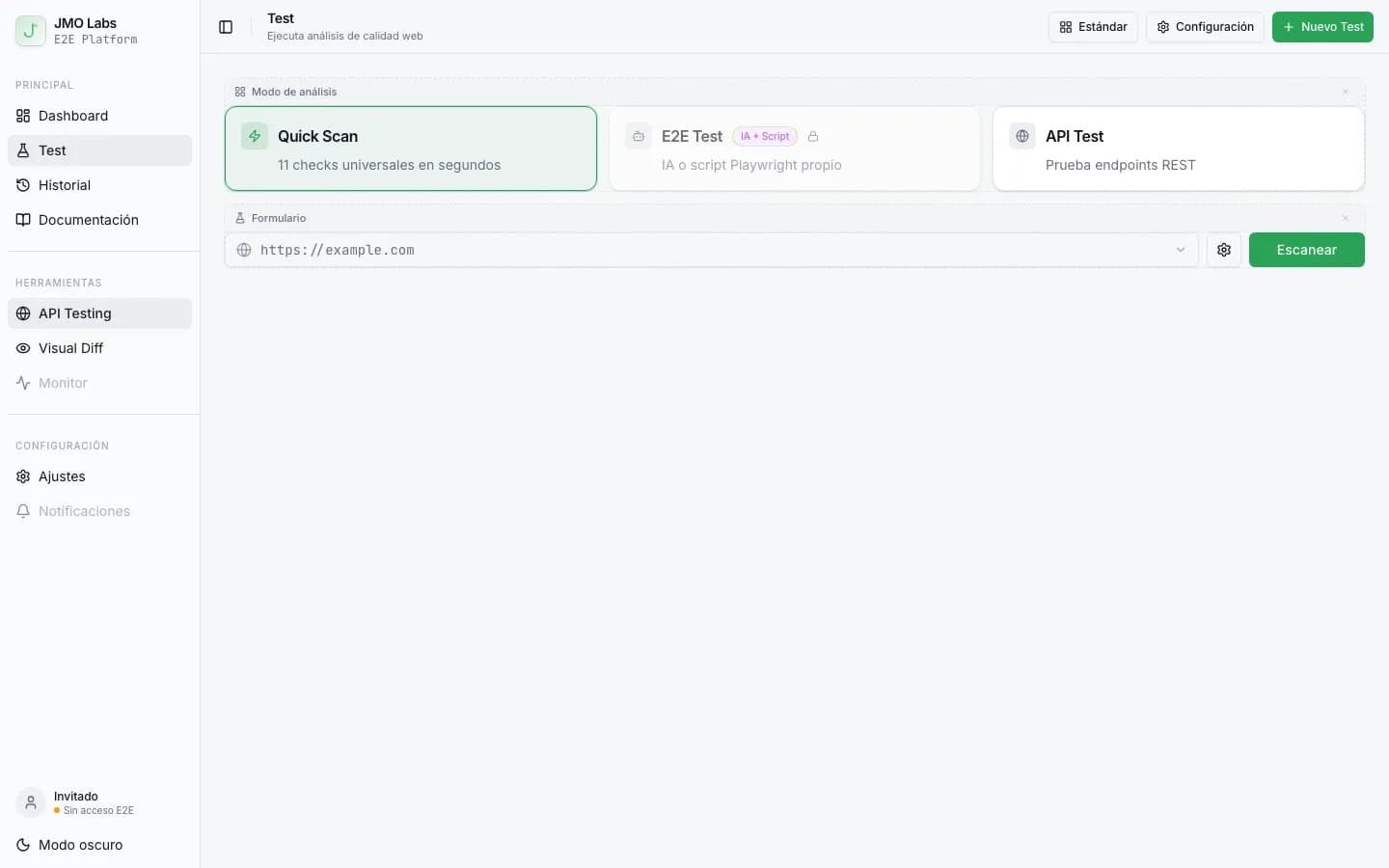
Construir una plataforma de testing con Playwright: arquitectura de JMO Labs
Playwright no es solo para tests E2E. En JMO Labs lo usamos como motor completo: 9 fases de comprobación, localizador de 9 estrategias con self-healing, grabación de vídeo, testing responsive con viewports reales y accesibilidad con axe-core.
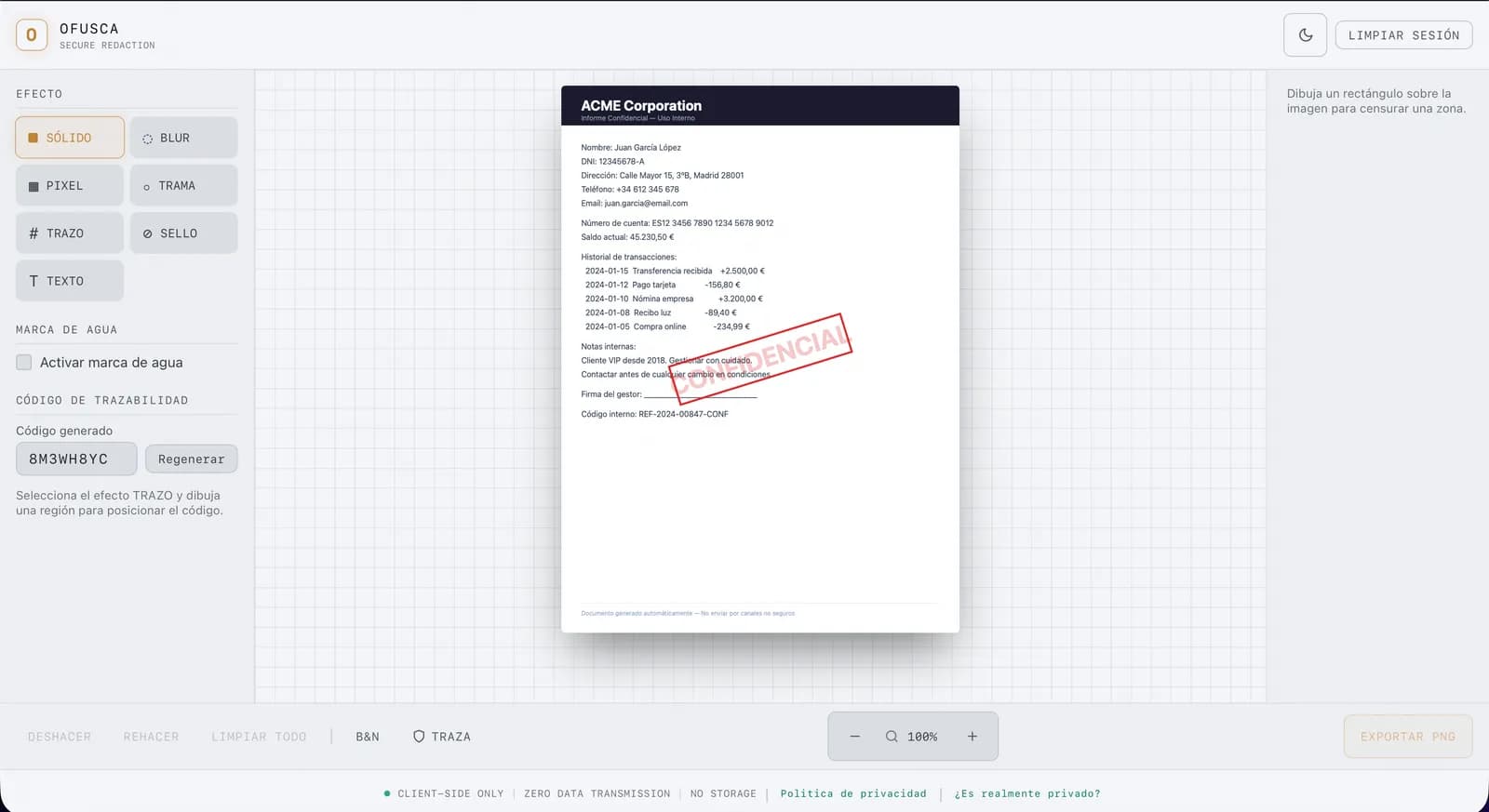
Cómo automatizamos 60 capturas de pantalla con Playwright
Mantener la documentación visual de una aplicación que evoluciona cada semana es una pesadilla. Te contamos cómo usamos Playwright para automatizar la generación de más de 60 capturas de pantalla en Ofusca, con optimización WebP incluida.