The fallacy of the absence of errors: why bug-free software can still fail
The seventh testing principle says that software with no defects can still fail. The key is testing that it solves the problem, not just that it works.

Imagine shipping a project where every test passes, coverage is above 90%, there are no known bugs, and performance is excellent. You deploy with confidence. Then two weeks later you find out nobody is using it. Users went back to their Excel spreadsheet because your software, technically flawless, doesn't solve their real problem. That's exactly the scenario described by ISTQB's seventh principle, and it's more common than it looks.
The principle that closes the list
The seventh and final fundamental testing principle according to ISTQB is called the fallacy of the absence of errors. The idea is simple: finding and fixing defects is useless if the system you've built doesn't meet users' needs and expectations.
Put another way, bug-free software can still be a failure. Code working correctly doesn't guarantee that it's useful. And passing every test in the world doesn't guarantee that those tests are validating what actually matters.
This principle ties directly to a classic distinction in software engineering that many teams know in theory but forget in practice.
Verification and validation are not the same
Verification answers the question “are we building the product right?”. It checks that the software meets the technical specifications, that it has no defects, that it behaves the way the documentation says it should. It's what we do with unit, integration, performance, and security tests.
Validation answers a different question, “are we building the right product?”. It checks that what we've built solves the user's real problem. That it makes sense in their workflow. That the solution matches the original need.
Most testing teams spend 95% of their effort on verification and almost none on validation. That's understandable, because verification is easier to automate, measure, and justify. But if you're perfectly verifying a product nobody needs, all that effort is wasted.
How it shows up in practice
I've seen this problem in projects of very different sizes. The patterns repeat.
The complete feature nobody understands
A team builds an advanced reporting system with combinable filters, export to multiple formats, and interactive visualizations. Everything works perfectly. The tests pass. But the users in the finance department, the ones who are actually going to use those reports, need exactly three predefined reports they can generate with a single click. They don't want flexibility, they want speed. The system is technically superior and functionally useless for their use case.
The flow that passes every test but frustrates the user
A signup form with impeccable validations, clear error messages, and end-to-end tests covering every scenario. From a technical point of view, it's solid. But the form has fourteen required fields, it doesn't save partial progress, and if the session expires you lose everything you've typed. The tests don't catch the problem because they're validating that the form works, not that it's usable.
Building what was requested, not what was needed
This is probably the most painful case. The client asks for an inventory management system. The team builds it exactly as the specification says. Every requirement is covered, every test passes, delivery happens on time. Three months later you discover that the client's real problem wasn't managing inventory, it was reducing stockouts. And that requires demand forecasting, automatic alerts, and replenishment suggestions, none of which appeared in the original requirements because nobody asked the right questions.
Why teams fall into this trap
There are several reasons, and they reinforce each other.
The first is that technical tests are comfortable. You have a specification, you write a test that checks it, the test passes or fails. It's binary, it's automatable, it's satisfying. Validating whether the user actually needs that specification is much more ambiguous, slower, and more uncomfortable.
The second is that the usual metrics reinforce the bias. Code coverage, number of tests, defect detection rate, mean time to resolution. They all measure verification. None of them measure whether the product is useful. A team can have perfect testing metrics and still be building something nobody will use.
The third is distance from the end user. In many teams, QAs never talk directly to users. They get requirements filtered through product managers, business analysts, and tech leads. Every layer in between adds its own interpretation and context gets lost. By the time the requirement turns into a test case, the connection to the user's real need may be completely diluted.
How to avoid the fallacy
1. Add acceptance testing with real stakeholders
User Acceptance Testing shouldn't be a box-ticking exercise at the end of the project where the client signs a document without trying anything. It should be a real process where the people who are going to use the software test it with their real data, in their real environment, doing the tasks they need to do day to day.
Ideally, you should run UAT sessions regularly during development, not just at the end. Every two or three sprints, put the product in front of real users and watch. Don't ask them whether they like it, watch whether they can complete their tasks without help. The answers you get by observing are far more valuable than the ones you get by asking.
2. Write tests from the user's perspective
When you design test cases, start with the user's goal, not the technical specification. Instead of “verify that the endpoint returns a 200 with the correct format”, think “verify that the user can find the products they're looking for in fewer than three steps”.
That doesn't mean dropping technical tests. It means complementing them with tests that validate the full experience. Acceptance tests written in BDD format, like “given that I am a new user, when I try to sign up, then I can complete the process in less than two minutes”, help keep the focus on what matters.
3. Watch the product in production
Pre-release tests tell you whether the software works. Observability in production tells you whether it's useful. Instrument your application to understand how real people use it.
- If a feature has zero usage after a month, it probably isn't solving a real problem or users can't find it.
- If users always drop off at the same point in a flow, there's a usability problem that no functional test is going to catch.
- If technical support keeps getting the same questions about the same functionality, the interface isn't communicating clearly what it does.
Analytics tools, heatmaps, session recordings, and product metrics are essential complements to traditional testing. They don't replace tests, but they cover a dimension tests alone can't reach.
4. Shorten the distance between QA and the user
If you can, involve QAs in discovery sessions, user interviews, and demos. The more context a QA has about who is going to use the software and why, the better the tests they'll design. A QA who has seen a user get frustrated with a similar flow in the past will test things that someone who only read the specification would never think to test.
In my experience, the best exploratory testing sessions are done by QAs who know the end user. Not because they're more technically skilled, but because they know what to look for.
5. Question the requirements, not just the code
As QA, your job isn't just to verify that the software meets the requirements. It's also to question whether the requirements make sense. If a requirement seems confusing, contradictory, or disconnected from what you know about the user, speak up. Before you spend hours designing tests for something that maybe shouldn't exist, ask why it's needed and who it's for.
The best QAs I know aren't the ones who find the most bugs. They're the ones who spot problems in the requirements before a single line of code gets written.
Complete testing includes the hard question
The fallacy of the absence of errors reminds us that the goal of testing isn't to prove that software works, but to make sure it solves a real problem. You can have the most complete test suite in the world and still ship a product that fails if you never ask whether what you're building is the right thing.
Technical verification is necessary, but not enough. You need validation. You need contact with real users. You need usage metrics in production. And you need the professional honesty to question the requirements when something doesn't fit.
This week, before you write one more test, pick one feature in your product and ask yourself an uncomfortable question: if this feature disappeared tomorrow, would anyone notice. If the answer isn't clear, maybe the problem isn't code quality, maybe you're solving a problem that doesn't exist.
Seventh principle of the seven ISTQB testing principles. You're coming from Testing depends on context. If you want to go back to the beginning, the first principle explains why tests show presence, not absence.

Jose, author of the blog
QA Engineer. I write out loud about automation, AI and software architecture. If something here helped you, write to me and tell me about it.
Leave the first comment
What did you think? What would you add? Every comment sharpens the next post.
If you liked this
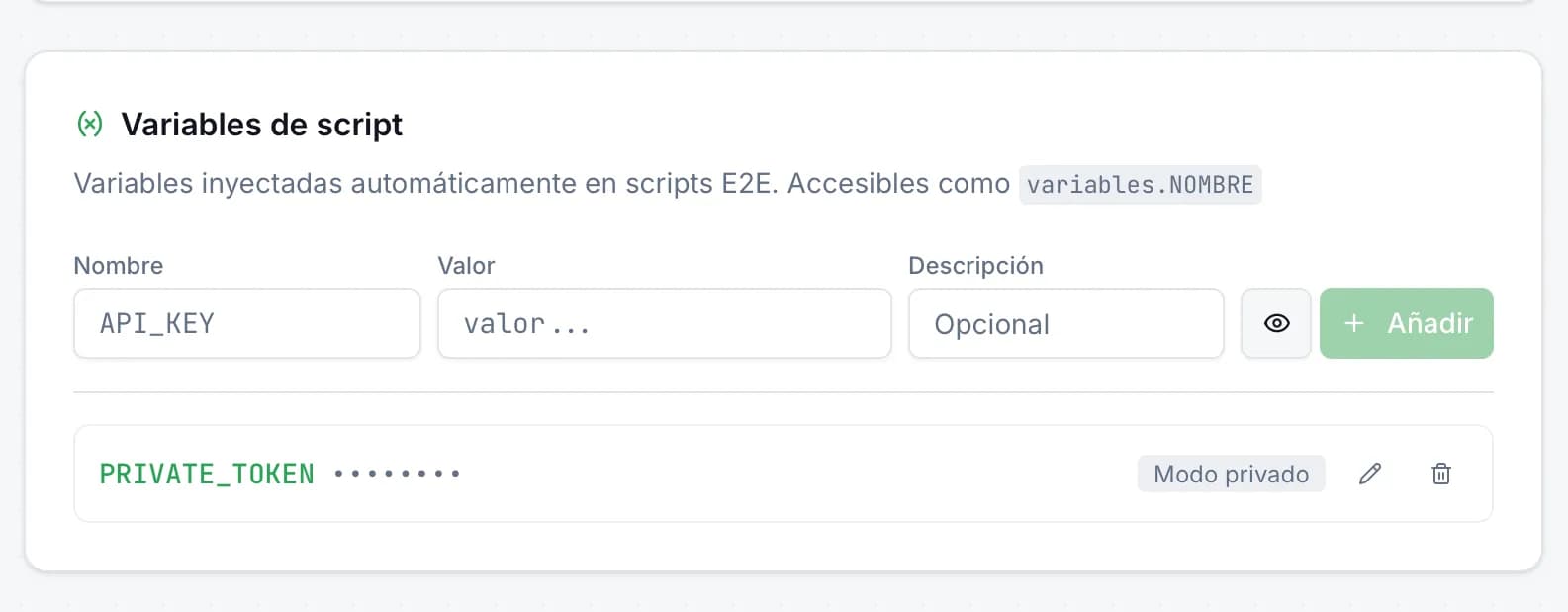
Variables de entorno en scripts E2E: secretos seguros en JMO Labs
Los scripts E2E necesitan datos sensibles —tokens de API, credenciales, URLs privadas— sin que aparezcan en el código. En JMO Labs hemos añadido variables de script con modo privado: se inyectan automáticamente, se enmascaran en los logs y se acceden con una sintaxis limpia.
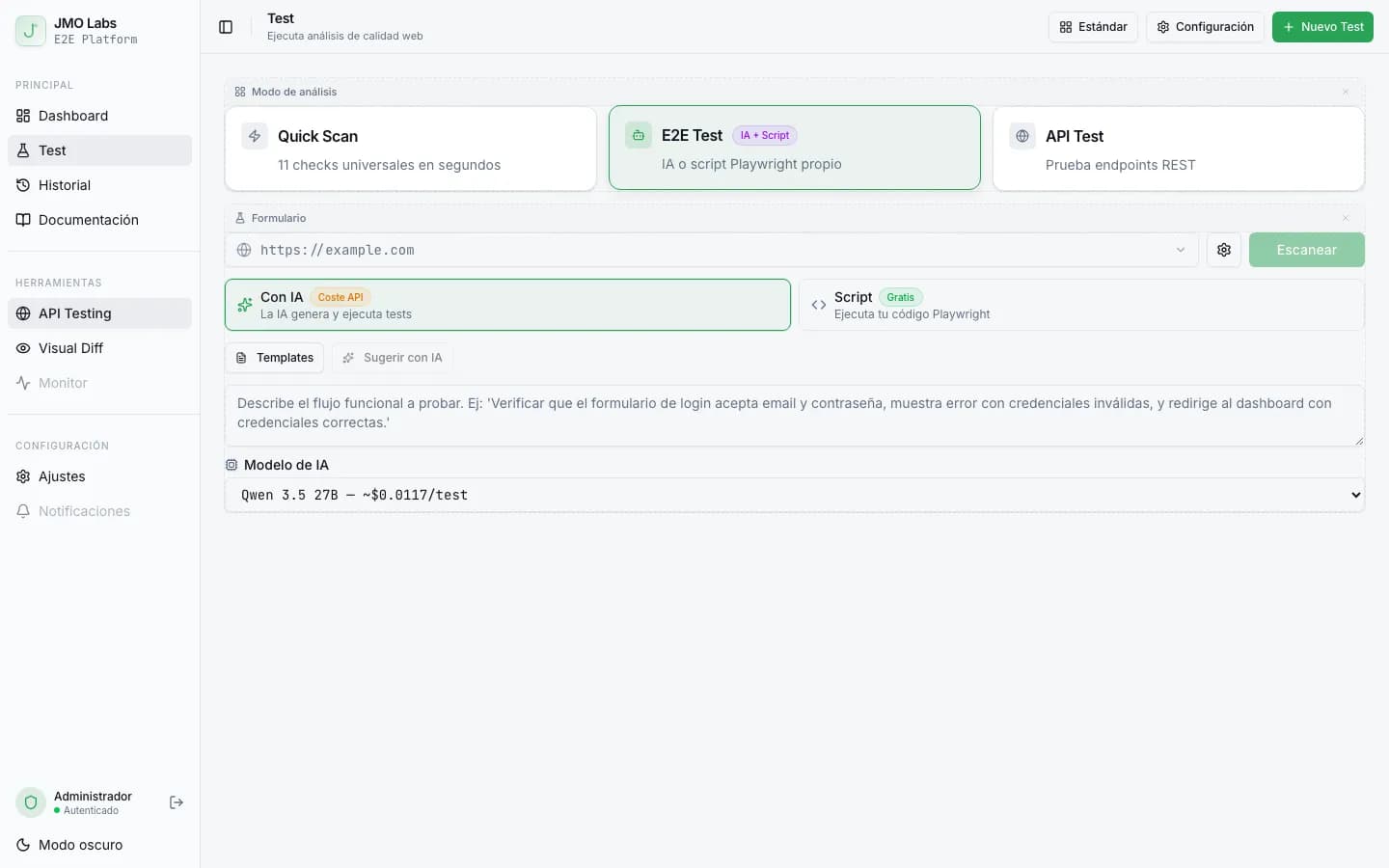
Tests E2E que se reparan solos: cómo construimos un pipeline de self-healing con IA
Los tests E2E se rompen con cada cambio de interfaz. En JMO Labs construimos un pipeline de 5 fases con IA que planifica, ejecuta, repara selectores, diagnostica fallos y verifica resultados de forma autónoma. La caché de selectores hace que cada ejecución sea más rápida que la anterior.
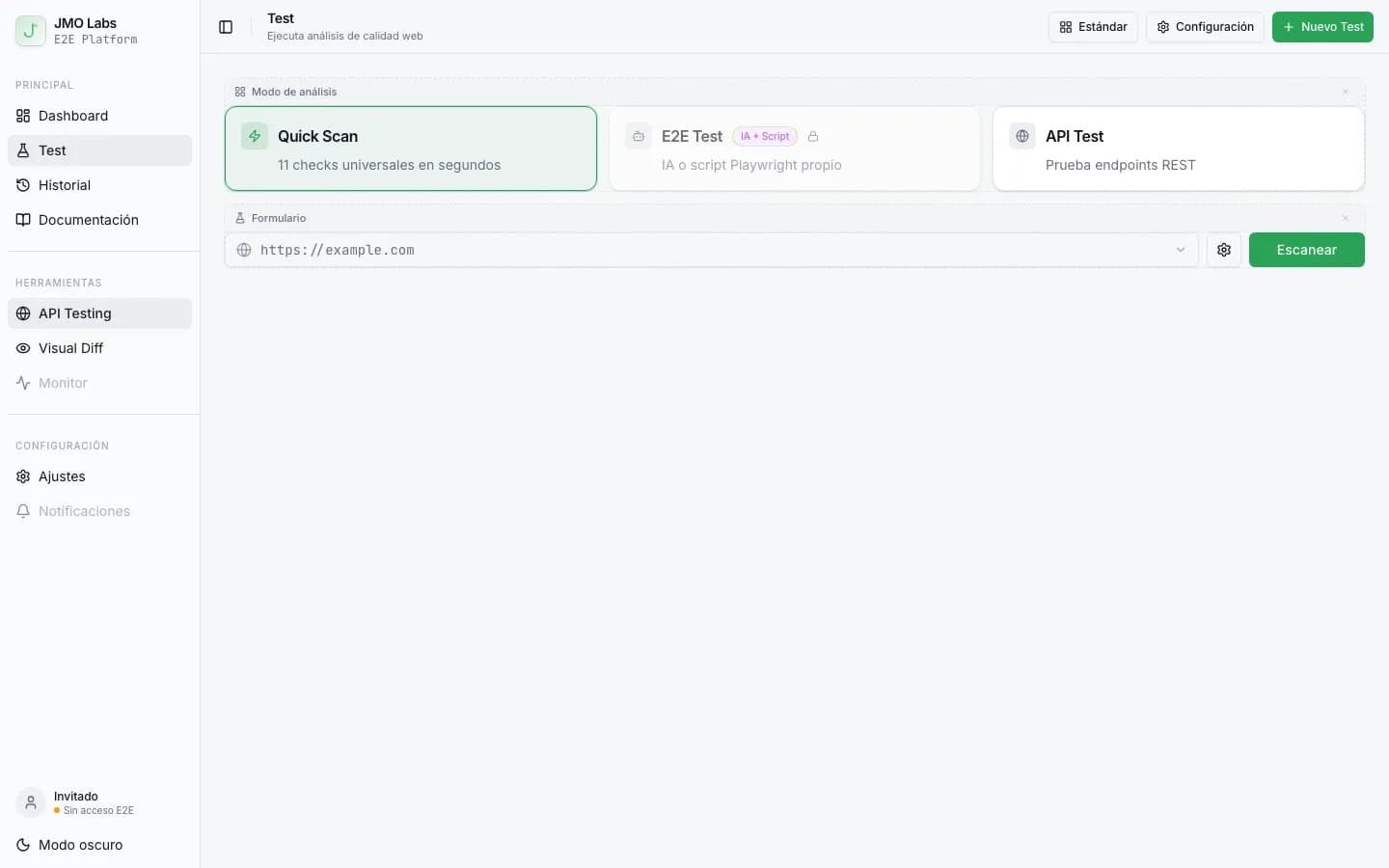
Construir una plataforma de testing con Playwright: arquitectura de JMO Labs
Playwright no es solo para tests E2E. En JMO Labs lo usamos como motor completo: 9 fases de comprobación, localizador de 9 estrategias con self-healing, grabación de vídeo, testing responsive con viewports reales y accesibilidad con axe-core.