How I added AI voice narration to blog posts
Every blog post can be read aloud with a built-in player. The audio is generated with AI the first time someone asks for it, then cached for everyone else.

Some posts are long. And when I say long, I mean those three-thousand-word articles where you explain a technical concept step by step, with code blocks in between and the occasional mental diagram. They're useful, but let's be honest, you don't always have the energy to sit down and read them with the attention they deserve.
Sometimes you're on the bus, making dinner, or just tired-eyed after a long day of writing code. In those moments, I thought it would be nice to listen to articles instead of reading them. Like a podcast, but without having to record anything by hand.
So I started looking into it and ended up building an AI voice narration system directly into the blog. In this post I'll explain how it works, what technical decisions I made, and why I think a lot of technical blogs should consider adding something like this.
The idea, simplified
The concept is pretty straightforward. Each post has an audio player at the top of the page. When a visitor clicks "Generate audio", the server turns the post content into speech using an AI model, saves the audio file to S3 storage, and serves it to every visitor who comes after that. The first user waits a bit while it's generated, but from then on the audio is cached and plays instantly.
It's a lazy, on-demand approach. I don't generate audio for every post automatically because each generation costs money (not much, but it still costs something). I only generate what someone actually wants to listen to.
Choosing the voice model
I looked into it quite a bit before deciding. The main options were OpenAI TTS, Google Cloud TTS, ElevenLabs, and Qwen3-TTS from Alibaba. Each one has its strengths.
ElevenLabs probably has the best voice quality on the market, but its monthly subscription model didn't fit the low volume of a personal blog. Google Cloud has a generous free tier, but setting up the GCP project with service accounts and SDKs was more complexity than I needed. Qwen3-TTS is open source and can be self-hosted, which is cool, but it requires a dedicated GPU or using a provider like Replicate.
In the end, I went with OpenAI and its gpt-4o-mini-tts model. The API is simple, a single POST that returns the audio as binary. The quality in Spanish is very good with the coral voice, which sounds warm and conversational, exactly what I wanted for narrating technical articles without sounding like a robot reading a manual.
The nice thing is that the system is provider-agnostic. Everything is configured with environment variables, so switching from OpenAI to Qwen3-TTS or any other service that exposes a compatible endpoint is just a matter of changing five variables, without touching a single line of code.
The generation pipeline
Turning a blog post into audio isn't as simple as passing the HTML straight to the TTS model. There are a few intermediate steps you need if you want the result to sound good.
The first thing is extracting clean text from the HTML. Code blocks are removed because listening to an AI read const express = require('express') adds nothing. Same for tables, images, and embedded elements. Headings are turned into natural pauses, and quotes get prefixed with "Quote" to give the listener some context. Inline code like function names or variables stays in, because it's part of the explanation.
Then comes chunking. The OpenAI API accepts a maximum of 4096 characters per request, so the text has to be split into chunks. The trick is to split by paragraphs whenever possible, falling back to sentence-level splits if a paragraph is too long. That way each fragment keeps its semantic coherence and the voice doesn't get cut off halfway through an idea.
Each chunk is sent to the API sequentially, which returns an MP3 buffer. Since MP3 is a frame-based format, the buffers can be concatenated directly without any audio libraries. The final result gets uploaded to S3 and the URL is saved in the database alongside a hash of the content.
Smart caching
This is probably the most important part of the design. Every time audio is generated for a post, the system calculates a SHA-256 hash of the processed text (not the raw HTML, but the text that's actually narrated). That hash gets saved alongside the audio URL.
When someone visits the post, the player makes a GET request that compares the current content hash with the stored hash. If they match, it returns the cached audio URL and playback starts immediately. If the hash is different (because the post has been edited), the player shows an "Update" badge that lets you regenerate the audio with the new content. The old audio is still playable in the meantime, so there's never a broken experience.
This approach has a big advantage when it comes to controlling costs. The audio is only regenerated if the content changes and someone explicitly asks for regeneration. Nothing gets generated automatically. If you edit a comma in a post and nobody clicks regenerate, you pay nothing.
The player
The player is a client-side React component that uses the browser's native <audio> element. No external audio libraries. The controls are the usual ones you'd expect in any podcast player, play and pause, a progress bar you can click to jump to any point, buttons to skip forward or back 15 seconds, speed control (from 0.75x to 2x), and a button to download the MP3.
One thing I wanted from the start was a floating player that follows you while you read. When the main player scrolls out of view (because you're reading the article while listening to it), a compact fixed bar appears at the bottom with the basic controls. It only shows up if the audio is playing or paused, never if you haven't started playback. A button with an arrow takes you back to the main player if you want the full controls.
On mobile the controls adapt by hiding the skip and speed buttons in the floating player so a small screen doesn't get overcrowded, while keeping them in the main player.
Abuse protection
Since each audio generation uses OpenAI API credits, abuse protection was essential. I implemented a two-layer rate limiting system.
The first is an IP-based limit that restricts how many generations the same visitor can make per hour. The second is a global limit that acts as an absolute ceiling for the whole server, regardless of how many different IPs are making requests. That way, even if someone tries to attack with rotated IPs, there's a maximum hourly spend that can't be exceeded.
On top of that, the system's idempotency acts as a natural safeguard. If someone asks to generate audio for a post that already has cached audio for the same content, the response is immediate and no call is made to the OpenAI API. You only pay for genuinely new generations.
What I learned along the way
Building this taught me a few things I wasn't expecting. The first is that the quality of the HTML-to-text conversion matters more than it seems. If you don't strip code blocks properly or handle HTML entities well, the voice model ends up saying things like "ampersand" or reading out CSS class names, which completely breaks the experience.
The second is that chunking is more subtle than it looks. If you cut a sentence in half, the intonation at the end of one chunk and the beginning of the next won't match well. Splitting by paragraphs whenever possible gives a much more natural result.
And the third is that a well-designed multi-provider system is worth it from the start. I began with OpenAI, tried Qwen3-TTS through Replicate, went back to OpenAI because I liked the voice better, and did all of that without changing a single line of code. Just environment variables.
The real cost
For a personal blog with occasional posts, the cost is basically irrelevant. Each post of around five thousand words costs a few cents to generate. And since the audio is cached indefinitely, you only pay once per post. The S3 storage is self-hosted, so there's no extra cost to serve the audio.
Last month I generated audio for several posts and the total cost didn't even reach one euro. For what it adds in accessibility and convenience for readers, that feels ridiculously cheap to me.
Next steps
For now the system works well as it is, but there are a few improvements I'd like to explore. One is adding a button in the admin panel to pre-generate audio for specific posts without having to wait for a visitor to ask for it. Another is experimenting with different voices depending on the type of content, a more serious voice for security posts and a more informal one for personal reflections.
I'm also interested in exploring the possibility of self-hosting Qwen3-TTS once I have access to a GPU, which would remove the per-generation cost completely.
If you run a technical blog and you're thinking about adding something similar, my advice is to start with the simplest setup possible. One TTS model, one voice, cache in S3, and a rate limit. There'll be time to make it fancier later.
Another entry in the Building this blog series. Coming from How we verify blog post integrity. To go back to the beginning, why I built my own blog engine instead of using WordPress or Ghost.

Jose, author of the blog
QA Engineer. I write out loud about automation, AI and software architecture. If something here helped you, write to me and tell me about it.
Leave the first comment
What did you think? What would you add? Every comment sharpens the next post.
If you liked this

Claude Code vs Cursor vs Codex, meses probando los tres en paralelo
Tres asistentes de código con IA, tres modelos mentales distintos. Agente que vive en el terminal, editor con autocompletado que parece magia y agente remoto al que delegas. Cuándo tiro de cada uno y por qué usarlos en paralelo me ha cambiado el flujo.
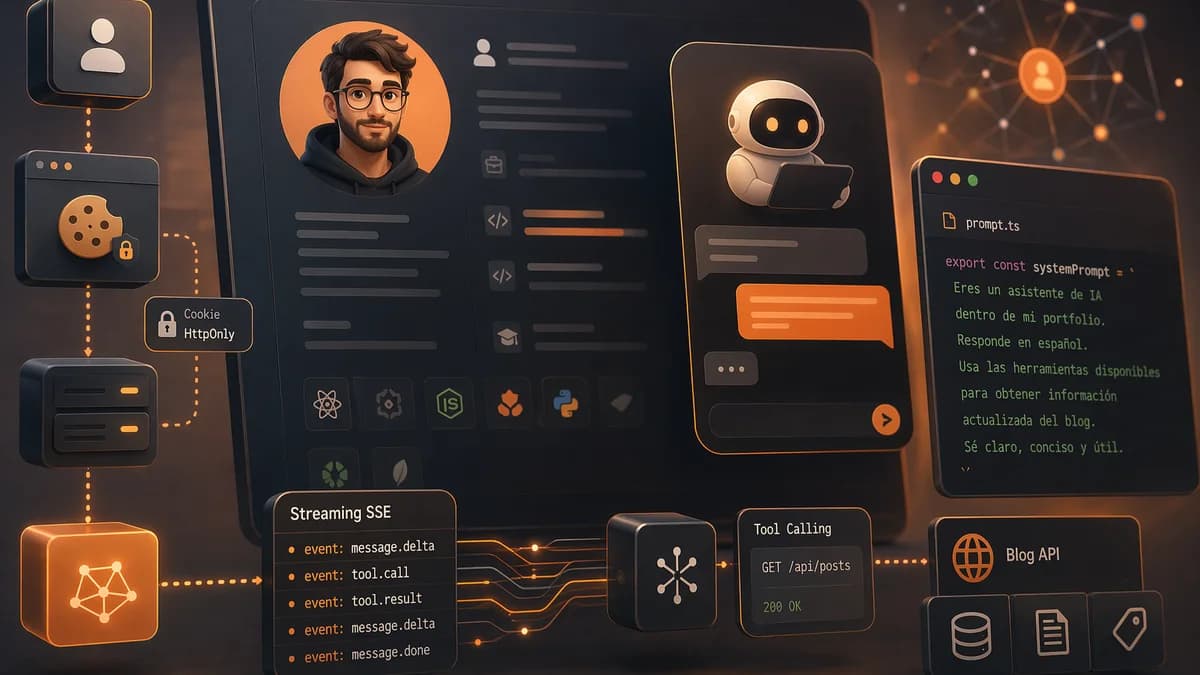
Un asistente de IA dentro de mi CV, arquitectura del chat
Cómo está montado por dentro el chat con agente de IA embebido en mi portfolio. Streaming SSE con eventos tipados, tool calling contra la API pública del blog, prompt como código y sesiones con cookie HttpOnly.
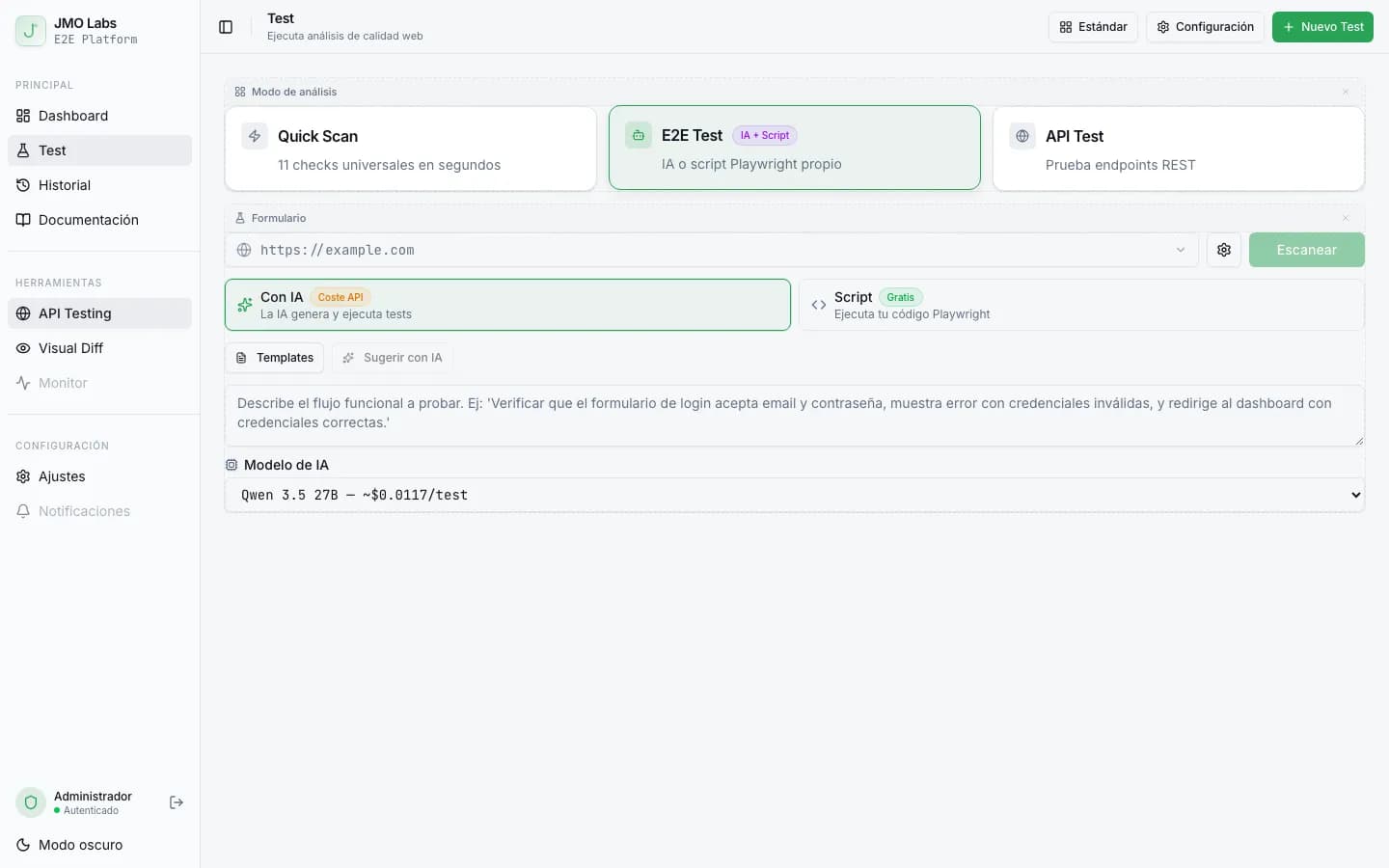
Tests E2E que se reparan solos: cómo construimos un pipeline de self-healing con IA
Los tests E2E se rompen con cada cambio de interfaz. En JMO Labs construimos un pipeline de 5 fases con IA que planifica, ejecuta, repara selectores, diagnostica fallos y verifica resultados de forma autónoma. La caché de selectores hace que cada ejecución sea más rápida que la anterior.