Claude Code vs Cursor vs Codex, months of testing all three side by side
Three AI coding assistants, three different mental models. An agent that lives in the terminal, an editor with autocomplete that feels like magic, and a remote agent you delegate to. When I reach for each one, and why using them in parallel has changed my workflow.

I've spent months splitting the same workday across three different coding assistants. Claude Code running in a terminal tab, Cursor open in another window editing what that terminal is writing, and Codex running in the cloud for tasks I don't want to watch in real time. All three are AI coding assistants, and every comparison online throws them into the same bucket, but in practice they do different things. That's what this post is about, when I reach for each one, why, and what I've learned from using them in parallel instead of picking just one.
I'm not going to make a features table. Those go stale in two weeks. I'd rather talk about the mental model each tool fits, and what kind of work it shines at or gets in the way of.
Three different mental models
The trap with comparisons is treating all three as if they were the same category. They aren't. Each one starts from a different idea of where the assistant should live.
Claude Code lives in the terminal. It's a process you launch with a command, it hooks into your working directory, and from there it can read files, run commands, write code, run tests, and ask for permission when something is risky. It doesn't have an IDE. If you touch a file in your editor of choice, Claude Code sees it. If it touches one, your editor notices. The tool doesn't compete with your editor, it sits on top of it.
Cursor is a fork of VS Code with the assistant stitched into the editor. The line between "writing code" and "asking the model for code" starts to disappear. Tab suggests the next line. Cmd+K rewrites the selection. Composer (or agent mode) works across multiple files with a diff view where you accept or discard changes. Everything goes through the editor window, and the model lives inside that loop.
Codex, in its 2026 version, is a remote agent. You send it a task, it runs in a VM in OpenAI's cloud with your repo cloned, does whatever it can do without you, and gives you back a PR, a diff, or a report. It's not in your terminal or your editor, it's in a browser tab. You can launch several tasks in parallel and come back later when they're done.
Those are three different stances on the same problem. Assistant on top of the operating system, assistant inside the editor, assistant outside your machine. Using them well starts with understanding what kind of work fits each stance.
Claude Code, the agent that lives in the terminal
Claude Code is the one I use most for heavy work. What keeps me there comes down to four things the other two don't fully cover.
The first is the long session with persistent context. I can start a task in the morning, keep stacking decisions, and finish in the afternoon with the model still understanding what we're doing and why. Claude Code stores project memory in files you control, with typed entries (user profile, feedback, project context, references to external systems). When I come back the next day, the assistant already knows I prefer small commits, that this repo uses pnpm and not npm, or that there's a production incident shaping decisions. In Cursor, you rebuild that every session, and in Codex it doesn't exist as a persistent concept.
The second is parallel subagents. If I need to explore one branch of the repo while writing code in another, I can delegate the exploration to a subagent with different context and have it return a report when it's done. The main window doesn't get polluted with 500 search results. On large projects, that matters a lot. Cursor has agentic modes, but the shared context is still the same.
The third is hooks and skills. I can attach commands to the agent lifecycle (before editing, after a commit, when a session ends) and I can package reusable skills, from "review this PR" to "do a security analysis of the current diff". That turns Claude Code into something closer to a platform, not just a chat with a model.
The fourth is long context. When it's time to read through a large file tree, migrate a whole module, or reason about a system with ten services, the bigger window carries real weight. Not because shoving all the code in blindly is ever a good idea, it isn't, but because it lets you keep the thread of the conversation and the relevant files without the agent forgetting by the third tool call.
Where Claude Code falls short is fine-grained editing. If I just want to tweak two lines in a function and move on, opening the terminal, writing the prompt, waiting for the diff, and approving it is more ceremony than I need. For that, Cursor wins easily.
Cursor, an editor with autocomplete that feels like magic
I use Cursor when I'm in the flow, inside a specific function, iterating on code I already understand. There are three parts of Cursor that still don't have a close rival in 2026.
The first is Cursor Tab, the autocomplete. This isn't the usual autocomplete of "let me guess the next word". Cursor Tab looks at several related files, predicts a whole block, suggests the next cursor jump, and when you press Tab it takes you to the next relevant position somewhere else. In practice, it's like having a copilot that understands what you're doing three lines ahead. For sustained editing work, it's the feature that has saved me the most time, by far.
The second is Cmd+K, inline rewriting. You select something, write a short instruction (extract this into a function, make it async, change the error format), and it gives you the diff right there. No leaving the file, no long back-and-forth. It's the perfect tool for the day-to-day carpentry.
The third is agent mode inside the editor, which is very comfortable for smaller multi-file refactors. You see every change as a diff, approve or reject file by file, all without leaving the editor. For tasks up to a handful of files, it's very efficient.
Where Cursor struggles is when the task goes beyond the editor. If the job requires running commands, parsing their output, reacting to logs, orchestrating commits in multiple batches, the "editor + chat + approve diff" loop starts to come up short. That's where Claude Code is clearly better. And if the task is long and I can delegate it and come back later, Codex wins.
One point worth mentioning is cost. Cursor has a flat monthly plan with requests quotas on premium models. If you use the tool every day, it's worth it because the price is predictable, but if you chain together very heavy tasks on the top-end models, the quota runs out before the month does. In my case, I ended up paying for the mid-tier plan and saving the expensive models for tasks that really needed them.
Codex, the agent you delegate to and come back later
Codex, in its cloud agent form, was the hardest one to fit into my workflow until I changed my mindset. It's not a conversational assistant you give extra time to think, it's a teammate you hand a concrete task to and then disconnect.
It works well when the task is clearly bounded and verifiable from the outside. Add a new route to an API following an existing pattern. Migrate all imports from a deprecated library. Write unit tests for a module that already has types. Rewrite a README with a new structure. These are tasks where you can describe the what without getting into the how, and where the result is a PR you review the same way you'd review one from a teammate.
What sold me on Codex wasn't the model quality, because on long tasks it still makes mistakes a human with less time would catch. It was the mode shift. Being able to launch five tasks before lunch and come back to five candidate PRs opens up a different way of working. Instead of I code, the model assists me, it's the model prepares the ground, I review and decide.
That said, the downsides are real. First, the agent runs in a VM with access to your repo and your secrets, so the permissions you give it matter more than they do with the other two. Second, when the task goes wrong, it usually fails for reasons the model couldn't have guessed (a test depending on a live fixture, an environment flag that wasn't documented, an operational detail in the repo), and without an interactive feedback loop it can waste more time than it saves. Third, billing depends on the ecosystem (ChatGPT plan, Team, Pro), and switching plans because of a temporary spike in usage doesn't always make sense.
My rule of thumb is that Codex wins when the task is boring, repetitive, and verifiable. If it needs judgment, dialogue, or reacting to what comes up, it doesn't.
The cross-tool workflow I actually use
The most surprising thing I learned from testing all three wasn't "this one is better". It was that each one covers a different phase of the same work session.
A typical morning starts with Claude Code in the terminal. I frame the big task as a plan, we discuss scope, the model proposes steps, I refine them, and we get going. This is the phase that benefits most from a long conversation, persistent memory, and the ability to orchestrate commands. Once I land in a specific file and start iterating in detail (renaming, extracting, adjusting types, adding a handler), I switch to Cursor. Claude Code stays in the terminal watching the changes, but the hands-on work is faster inside the editor. And when I spot a boring, delegable task (add unit tests for these four modules following the pattern from module X), I send it to Codex and go back to the terminal with Claude Code for something else.
It's not that I use three tools for the sake of it, it's that each one has a lower cognitive cost for the kind of work I'm doing at that moment. Forcing a single tool makes the other two phases worse.
When I'd keep only one
The realistic question isn't "which one is better?" but "if you had to keep only one, which one would it be?" It depends on your profile.
If your work is mostly code editing in medium-sized projects and you don't touch operations much, Cursor. Cursor Tab and Cmd+K save hours every week, and the learning curve is basically zero if you're coming from VS Code.
If your work is building and operating systems, QA, DevOps, architecture, or research on code you don't already know, Claude Code. Being able to live in the terminal, orchestrate commands, keep per-project memory, and delegate to subagents covers a lot more real work than what fits inside an editor.
If your work is coordinating delegable tasks on a stable repo, more like a lead who reviews a lot of code and writes less of it, or if you want to get value out of sleeping hours, Codex starts to make sense. But it rarely makes sense as your only tool, it almost always complements one of the other two.
In my case, if I were forced to keep just one, I'd pick Claude Code. Not because of the model, Cursor can use the same top models, but because my work runs through commands, tests, logs, deploys, and memory across sessions. That loop outside the editor is where I gain the most, and that's exactly where Cursor and Codex don't reach.
What matters when choosing
If you have to pick one today, look at four things, in this order.
Where your work lives. If you spend 80% of your time inside a specific editor, Cursor. If that 80% happens across terminal, scripts, and commands, Claude Code. If you work mostly through reviewed PRs and want to delegate, Codex.
How much cross-cutting context you need. For large projects and long sessions, Claude Code is built for that. For local editing tasks, Cursor is more than enough. For self-contained tasks, Codex doesn't need cross-cutting context.
How you're billed. Cursor is a predictable monthly plan with quotas. Claude Code is API usage based, more expensive if you do intense sessions but without awkward hard limits. Codex depends on the ChatGPT plan you already have and fits into the account you use for chat.
How much autonomy you want to give the model. Codex is the most autonomous, it runs by itself in a remote VM. Claude Code asks for approval on potentially risky actions by default. Cursor lets you accept or reject each diff. If you're uncomfortable with an agent running commands without watching it, Cursor is the most conservative option.
What I learned from using them in parallel
There are three things I take away from months of having all three open at once.
The first is that the coding assistant category is no longer a single category. It's at least three different stances, and picking the right one matters more than picking the model. A Cursor with Sonnet does better than a Claude Code with the same model if the task is fine-grained editing. And a Codex with a generic GPT does better than any local assistant if the task can be parallelized.
The second is that persistent memory is underrated. Coming back every morning to an agent that knows who I am, how I write, what decisions I made yesterday, and what mistakes I don't want to repeat is the difference between saving minutes and saving hours. Neither of the other two tools, in their current form, offers this as naturally as Claude Code.
The third is that delegation takes discipline. Codex is powerful, but handing off something badly specified and coming back two hours later to a messy PR is worse than doing it yourself. The superpower of delegation only shows up when you define the task clearly, and that's a skill the tool doesn't give you.
There isn't one single answer. The question that's helped me most this past year isn't which one do I use, but what kind of work do I use each one for. That's the real comparison, and features change, plans get more expensive, but the fit between tool and task holds up.

Jose, author of the blog
QA Engineer. I write out loud about automation, AI and software architecture. If something here helped you, write to me and tell me about it.
Leave the first comment
What did you think? What would you add? Every comment sharpens the next post.
If you liked this

OpenClaw en casa: del análisis de quinielas a la vigilancia del NAS
Quinielas, cámaras de seguridad, monitorización del NAS, control de precios y gestión de facturas: casos de uso personales reales con OpenClaw como asistente autónomo en el día a día.

OpenClaw para testing y QA: automatiza lo que antes hacías a mano
OpenClaw no solo sirve para verificar integridad: regresión visual, monitorización de endpoints, análisis de logs, smoke tests post-deploy y auditoría de seguridad continua. Casos de uso reales para testing y QA.
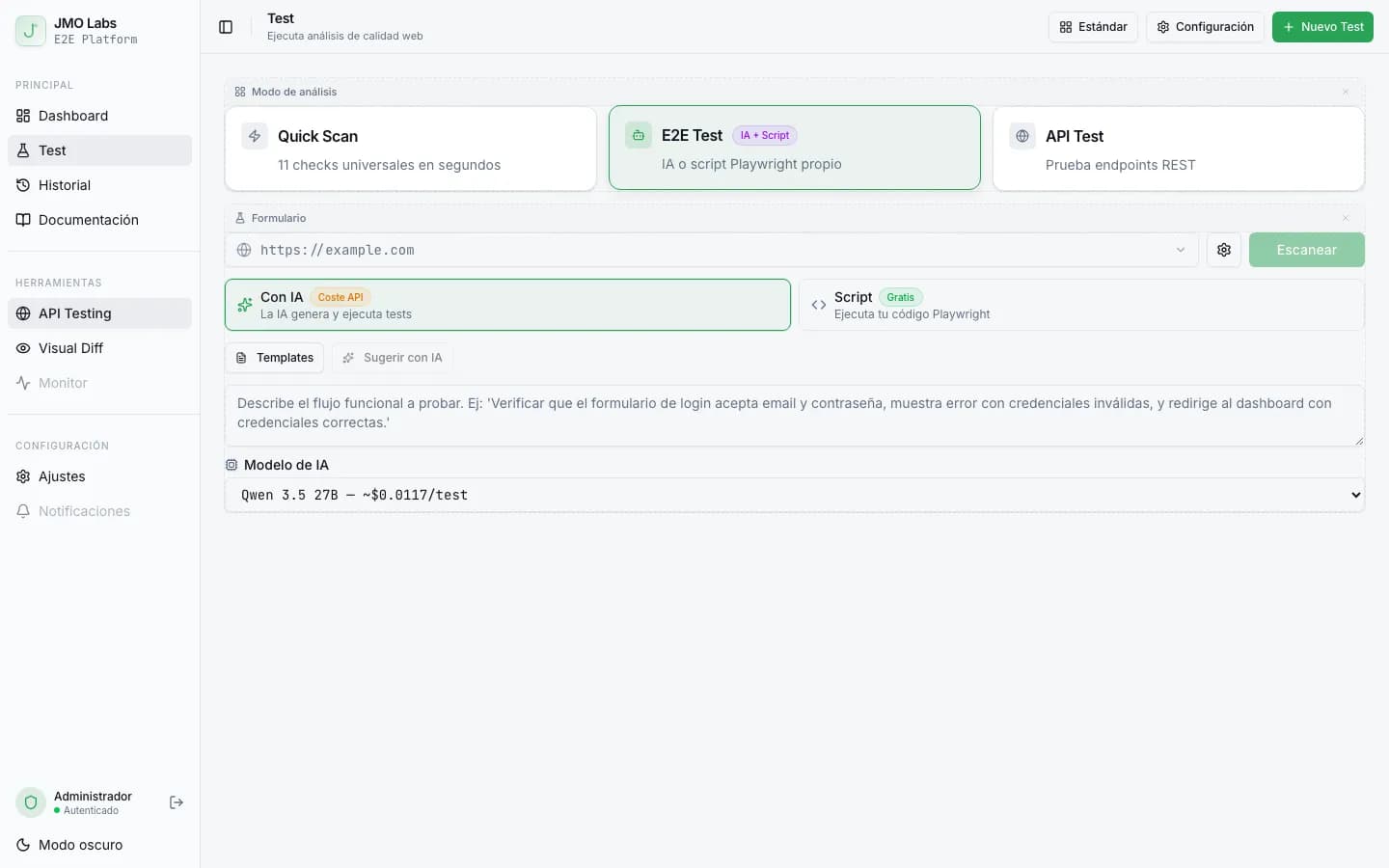
Tests E2E que se reparan solos: cómo construimos un pipeline de self-healing con IA
Los tests E2E se rompen con cada cambio de interfaz. En JMO Labs construimos un pipeline de 5 fases con IA que planifica, ejecuta, repara selectores, diagnostica fallos y verifica resultados de forma autónoma. La caché de selectores hace que cada ejecución sea más rápida que la anterior.